Gallery of Jeff Ewen
All photographs are Copyright © to Club Members and are used with permission. All rights reserved.

- Viewer Quick Reference (click/tap to show)
| Menu | Dropdown | Key | Function |
|---|---|---|---|
| Full | Enter | Full-Screen mode (if supported by your browser) | |
| Size | |||
| Fit | F | Fit to Screen size | |
| - | - | Zoom out | |
| + | + | Zoom in | |
| Stereo | S | Dropdown menu for the stereo viewing method |
|
| SBS | Side by side (Computer monitor, Tablet, Large Print or Smart Phone 3D and VR Viewers) | ||
| LR/RL | Stacked SBS for Parallel/Cross view (free-viewing) | ||
| Colour | Colour Anaglyph (Red-Cyan glasses required) | ||
| H_Int. | Column Interlaced (Passive 3D monitor and Circular Polarised glasses required) | ||
| 2D | Single Photo View | ||
| <- | Back space | Previous Photo | |
| -> | Space Bar | Next Photo | |
| M | Show/Hide menu buttons |

Click or tap on any photograph showing this icon to launch the HTML5 Stereo Viewer
16:9 Format Stereo Photography
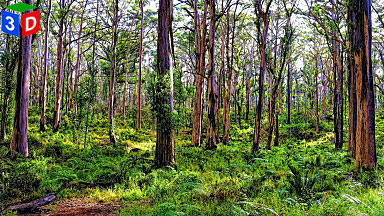 Boranup Recovery |
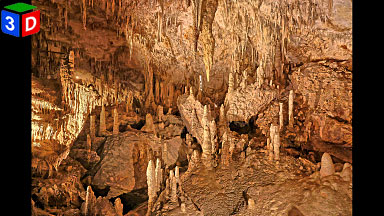 Mammoth Cavescape |
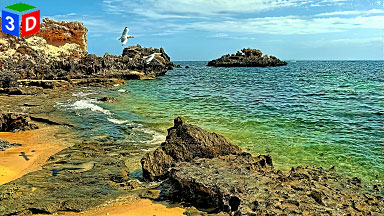 Sagrada Familia |
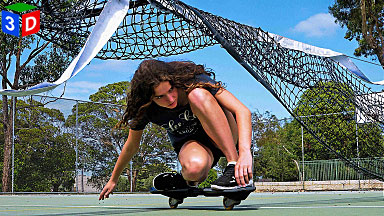 I Can Make This |
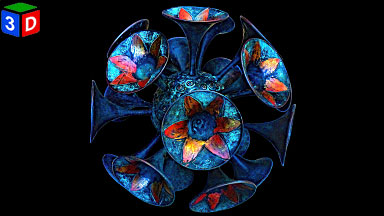 Trumpets |
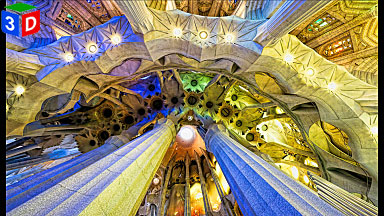 Mangoe |
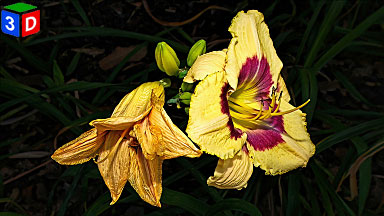 Shift Changers |
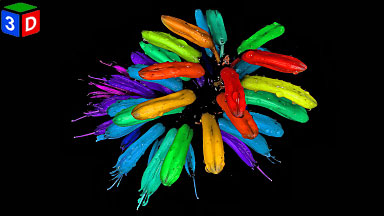 Alternative Erythrina |
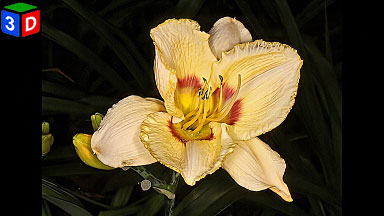 Daylily |
1:1 Format Stereo Photography
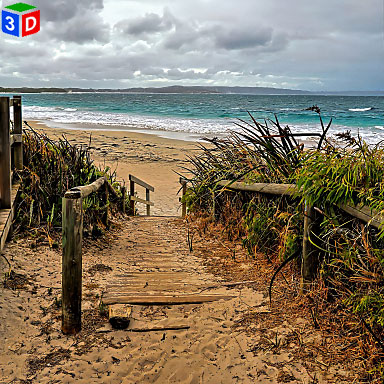 Cosy Corner Beach |
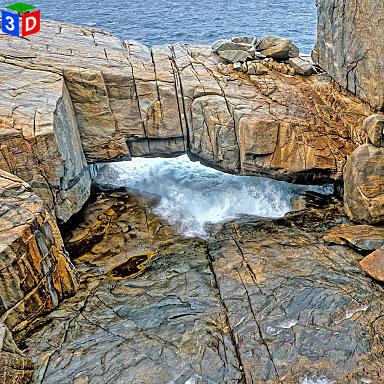 Natural Bridge |
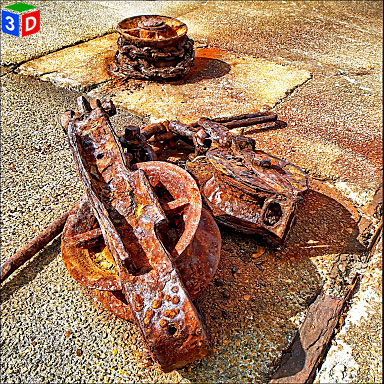 Albany Whaling Station |
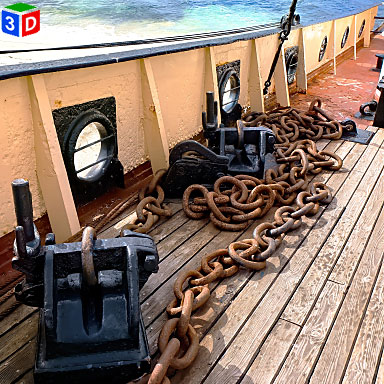 Cheynes IV Whale Chaser |
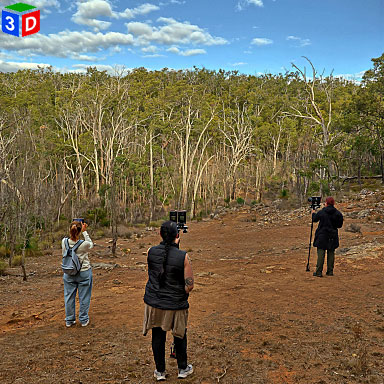 WA 3D Club Outing |
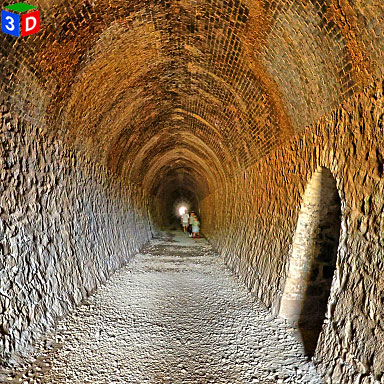 Swan View Tunnel Interior |
- 3D180 Viewer Quick Reference (click/tap to show)
| Menu | Dropdown | Key | Function |
|---|---|---|---|
| Full | Enter | Full-Screen mode (if supported by your browser) | |
| Tch | Head tracking ⇐⇒ touch scrolling switch when on a phone | ||
| Stereo | S | Dropdown menu for the stereo viewing method |
|
| SBS | Side by side (Computer monitor, Tablet, Large Print or Smart Phone 3D and VR Viewers) | ||
| LR/RL | Stacked SBS for Parallel/Cross view (free-viewing) | ||
| Colour | Colour Anaglyph (Red-Cyan glasses required) | ||
| H_Int. | Column Interlaced (Passive 3D monitor and Circular Polarised glasses required) | ||
| 2D | Single Image View | ||
| <- | Back space | Previous Image | |
| -> | Space Bar | Next Image | |
| M | Show/Hide menu buttons | ||
| arrow keys | Position adjustment of left and right images | ||
| K/L key | Rotation adjustment of left and right images | ||
| Home key | Adjustment value clear | ||
| Mouse (PC) | Mouse wheel | Zoom in/out | |
| Double click | Show/Hide menu buttons | ||
| Mouse drag | Scroll through the images | ||
| Touch Screen | Pinch | Zoom in/out | |
| double taps | Show/Hide menu buttons | ||
| Touch scroll | Tch <-> Dev button, You can switch between touch scrolling <-> head tracking. Even in head tracking mode, you can do horizontal touch scrolling |

Click or tap on any photograph showing this icon to launch the HTML5 3D180 Viewer
Mouse Scroll/Finger Pinch or Spread to move in and out, Mouse/Finger drag to look up, down, left, right. The perspective changes to follow your point of focus
180 VR Stereo Photography by Jeff Ewen
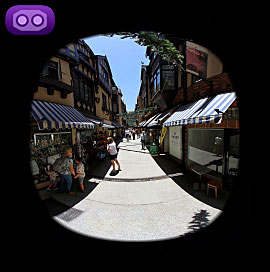 London Court Arcade |
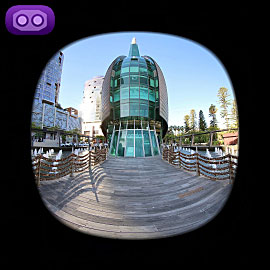 The Bell Tower |
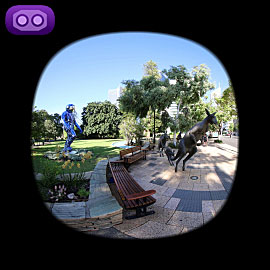 Kangaroos on the Terrace |
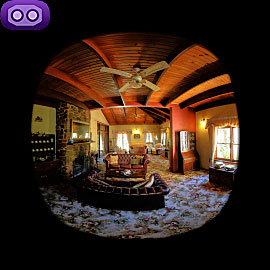 Holberry House Interior |
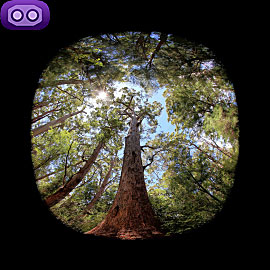 Valley of the Giants Canopy |
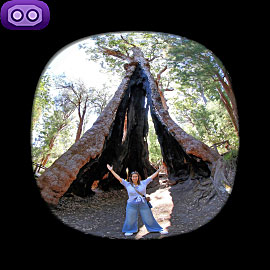 Giant Tingle Tree |
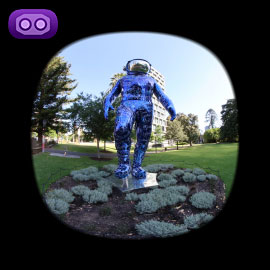 Boonji Spaceman Sculpture |
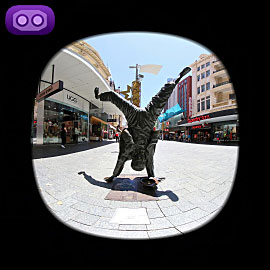 Percy Button Sculpture |
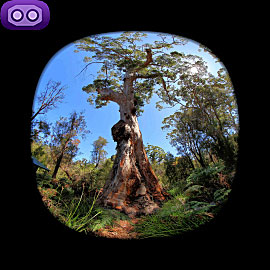 Ancient Empire Walk |
...
Western Australian 3D Club - Real digital stereoscopic photographs.
Contact us by clicking here.